What is the Zemmy Trade app?
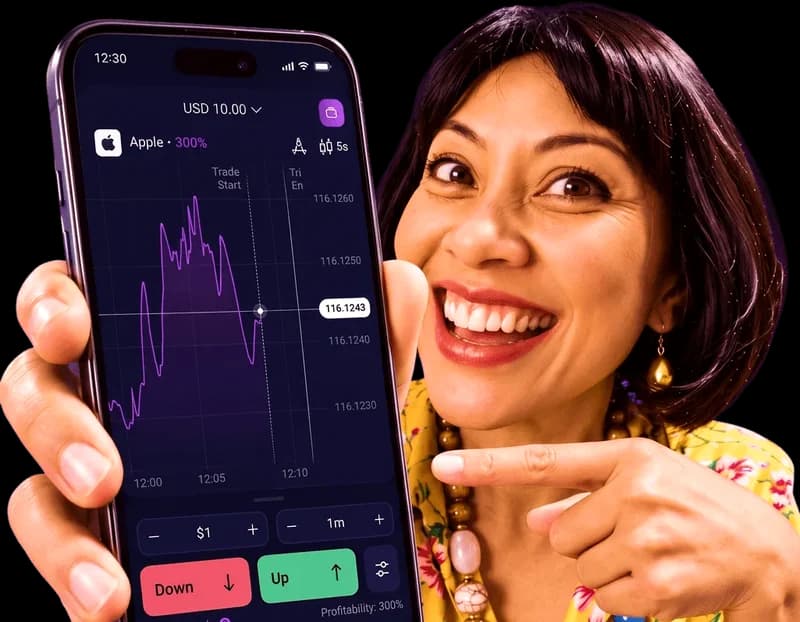
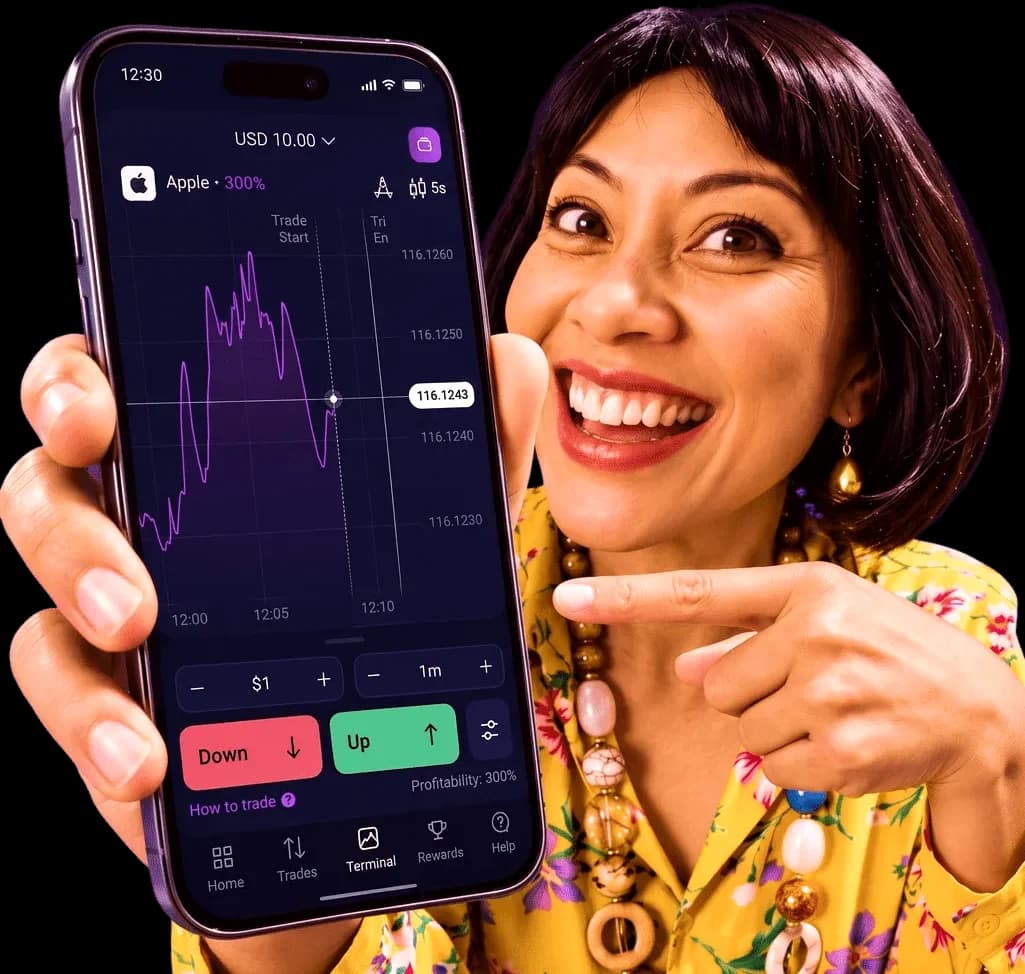
The Zemmy Trade app is the mobile version of Zemmy Trade, an online trading platform provided by Asseta (BVI) Ltd. You pick a direction on an asset, see the potential return before you open the trade, and follow the result on a live chart.
On Android it is a regular app from Google Play. On iPhone, iPad and computers you open the same platform on the web and can pin it to your Home Screen so it opens like an app. Your account, balance and history are shared across every device.
- 01
Native on Android
Installed and updated through Google Play.
- 02
Open web on iPhone & iPad
Runs in Safari and can be pinned to your Home Screen.
- 03
Same account everywhere
Switch between phone and desktop without losing anything.
Zemmy Trade download options
Every option uses the same Zemmy Trade account, so you can start on one device and continue on another.
Google Play app
The full app for Android phones and tablets, with live charts, one-tap trades and the cashier built in.
- Installs and updates through Google Play
- Free demo account included
Open web
Open the platform in Safari and pin it to your Home Screen in a few taps. It opens full screen, like an app.
- Works in Safari and Chrome
- Always on the latest version
Desktop browser
Trade in Chrome, Edge or Safari on a bigger screen, with the same account you use on your phone.
- Nothing to download
- Bigger charts for analysis
How to install the Zemmy Trade app
Choose your device and follow the steps. It takes about two minutes.
- 1
Open the Google Play listing
Tap “Get it on Google Play” on this page. The link opens the Zemmy Trade listing in the Play Store app.
- 2
Check the listing, then tap Install
Make sure the app is Zemmy Trade, then install it like any other Android app. No APK files and no security settings to change.
- 3
Open the app and sign up
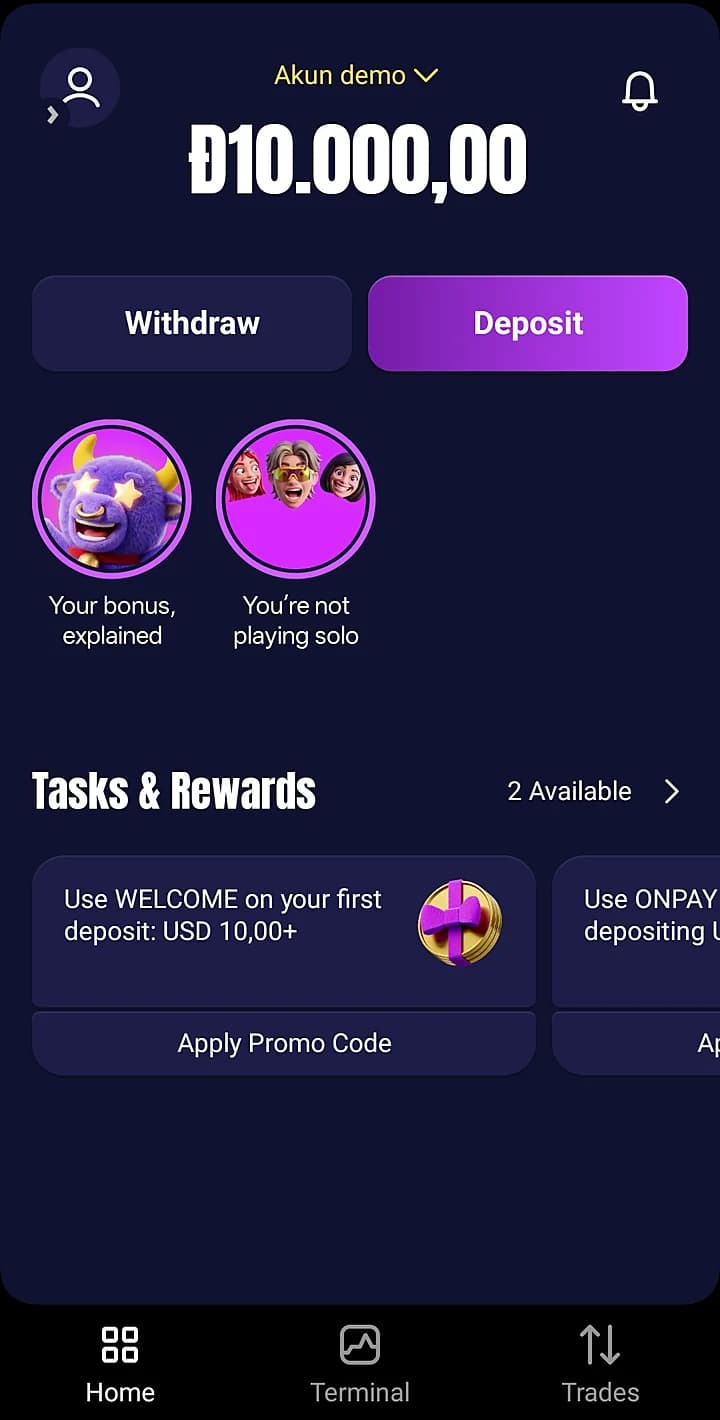
Create an account or log in. Your free demo account with 10,000 virtual units is ready straight away.
Can’t see the listing? Availability depends on your country. You can use Open web in the meantime.
Get it on Google Play- 1
Open the platform in Safari
Tap “Open web” on this page and make sure the page opens in Safari.
- 2
Tap Share
Open the Safari menu and choose Share. In the Bottom or Top tab layout, Share sits right in the toolbar.
- 3
Add to Home Screen
Tap View More, then Add to Home Screen. Keep “Open as Web App” switched on and tap Add.
- 4
Launch it from your Home Screen
Tap the Zemmy Trade icon. It opens full screen, just like an app.
Using Chrome on iPhone? Tap Share at the top right, then Add to Home Screen.
Open web- 1
Open the web platform
Click “Open web” on this page in Chrome, Edge or Safari. Nothing to download.
- 2
Sign up or log in
Use the same account as on your phone. Balance and history stay in sync.
- 3
Pin it for quick access
If your browser shows an install icon in the address bar, click it to open the platform in its own window. Otherwise, bookmark the page.
A bigger screen makes chart analysis easier. Many traders use the phone for quick trades and the PC for research.
Open webIs there a Zemmy Trade APK?
The Android app is on Google Play, so you don’t need an APK file. APKs offered on other websites are not checked by Google Play. Unknown files can carry malware or steal your login details.
- Install only from Google Play or the official web platform.
- Never download APK files from forums, chats or file-sharing sites.
- Don’t switch off your phone’s security settings to install an app.
- Never share your password or verification codes, even with “support”.
- Check the address bar before you log in on the web.
What you can do in the app
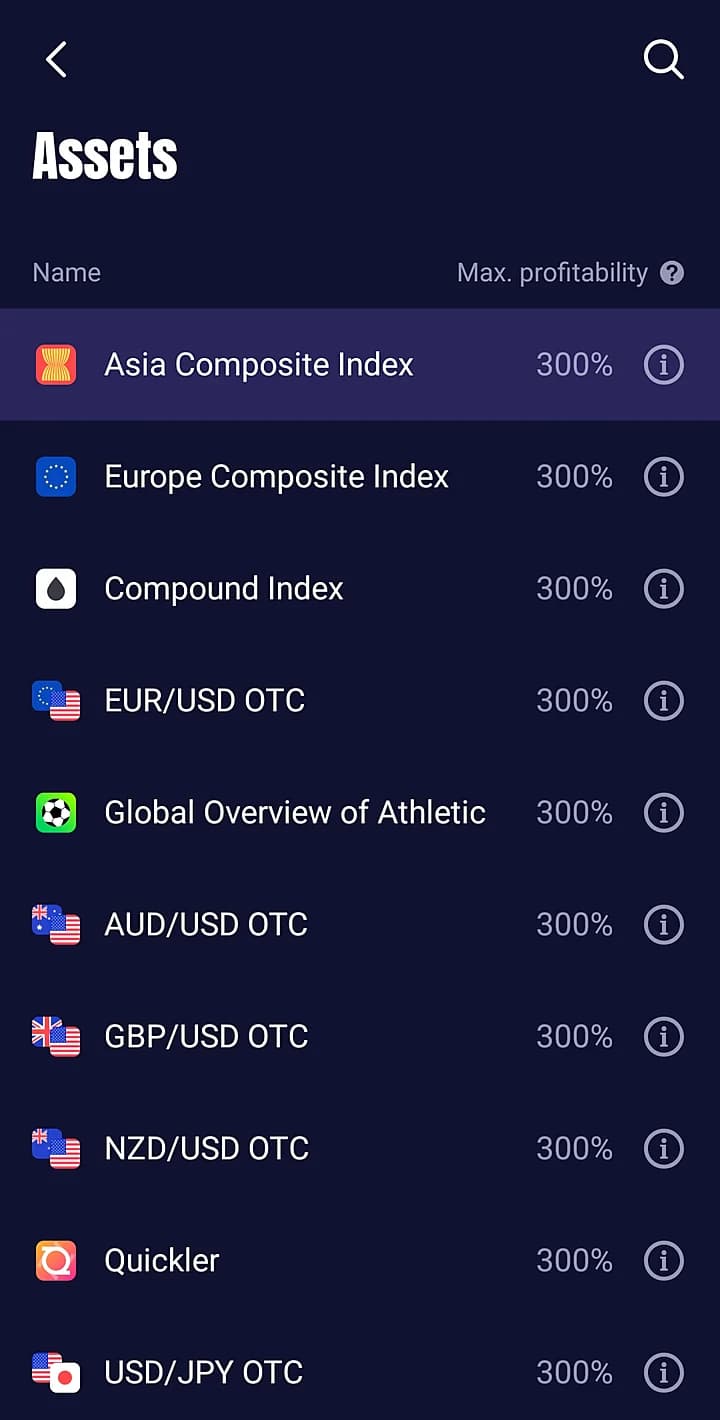
Assets and payouts
Currency pairs, indices and OTC assets. Each one shows its maximum profitability, up to 300%.
One-tap trades
Pick a direction and see the potential return before you open a trade.
Demo mode
Switch between demo and real balance at any time.
Up to 300%
Potential returns change with the market: lower on quiet days, higher on busy ones.
Built-in cashier
Deposit and withdraw without leaving the app.
Safer install
Google Play on Android and the official web platform everywhere else. No third-party files and no security settings to switch off.
One account, every device
Start a trade on your phone and check it later on your computer. Balance and history are always in sync.
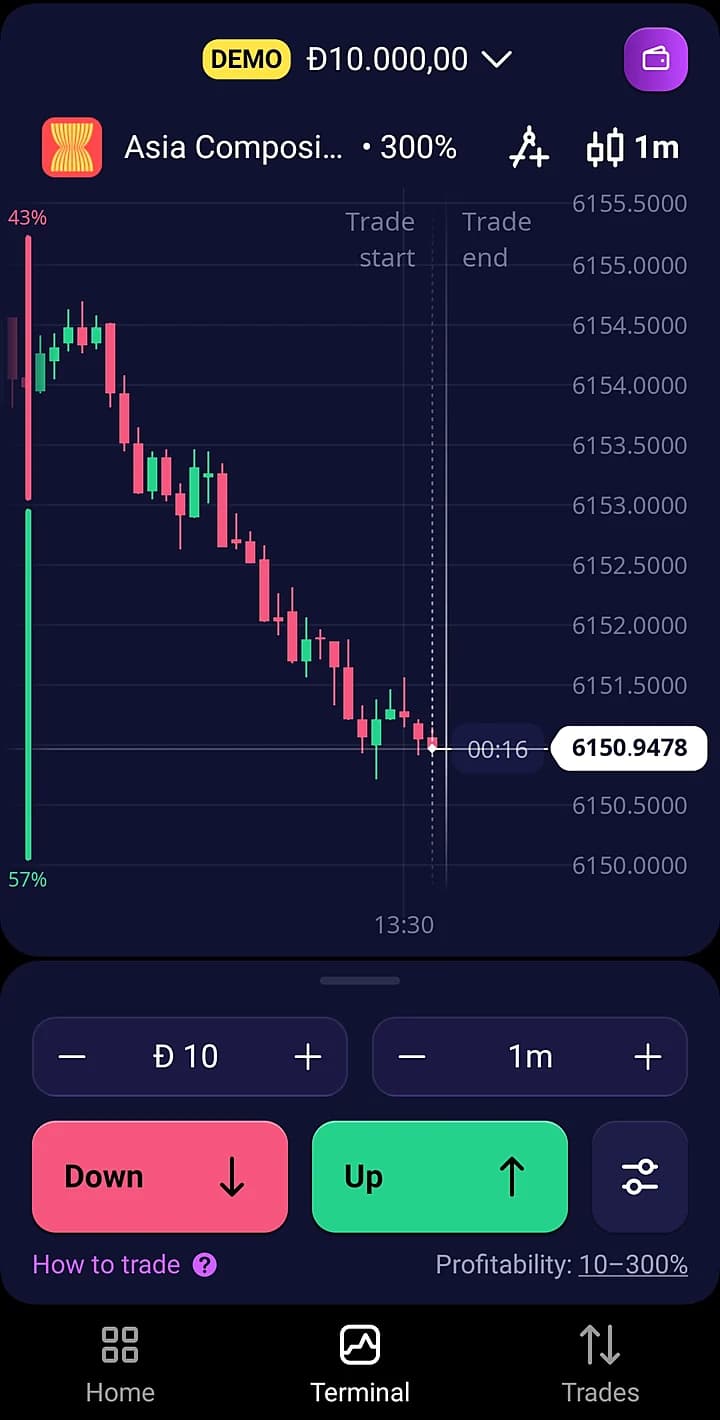
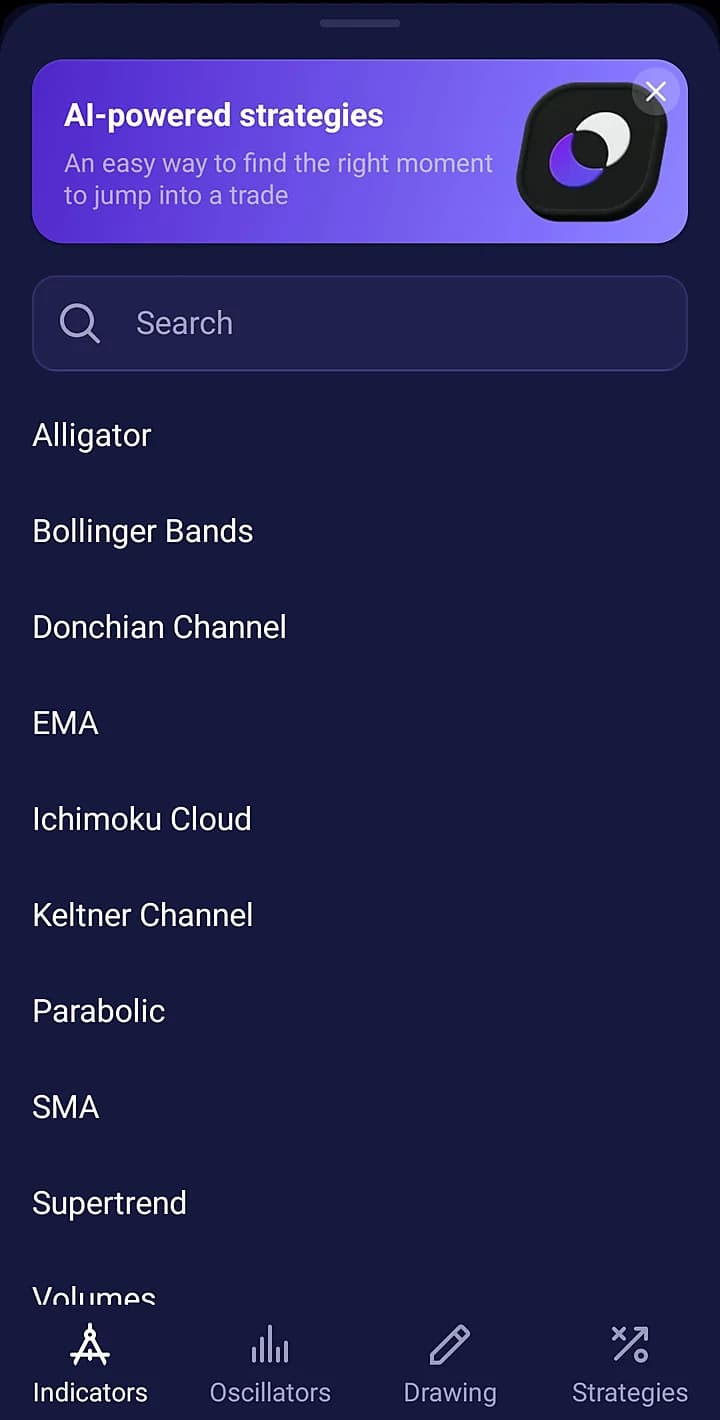
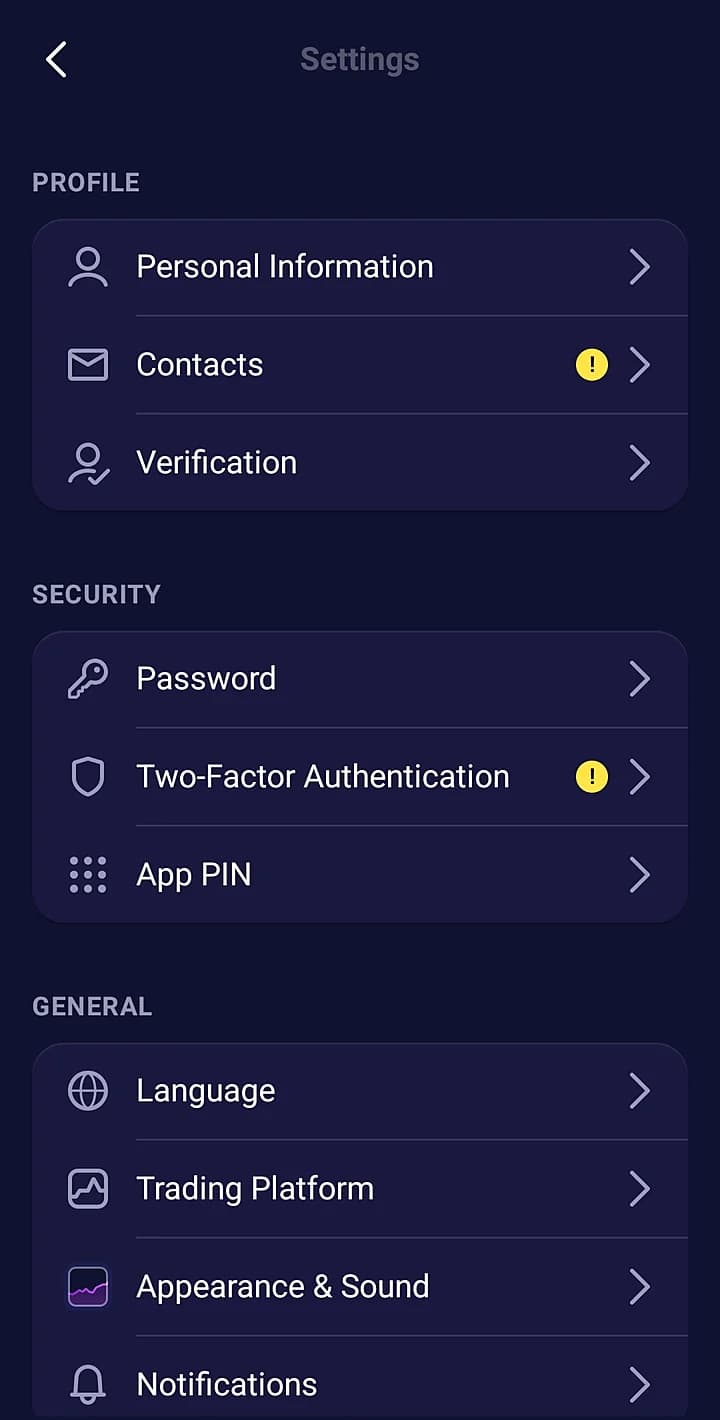
Inside the Zemmy Trade app
Screens from the Android app on a demo account, November 2026.
Opening an account
- 1
Create your account
Sign up in the app or on the website. It takes a couple of minutes.
- 2
Practise on demo
Every account includes 10,000 virtual units with the same assets and live prices.
- 3
Deposit and start trading
Deposit from $10 and open trades from $1. Only trade with money you can afford to lose.
Zemmy Trade demo account
The demo account runs on the same platform, with the same assets and the same market. Only your money stays in your pocket.
virtual units in every new account
Try the free demoManage funds in the app
Deposits and withdrawals are handled in the cashier of your Zemmy Trade account, in the app or on the web.
- Minimum deposit
- $10
- Minimum trade
- $1
- Payment methods
- 20+
- Fees in local currency
- 0%*
- Deposit bonuses
- Depend on country
*As published by Zemmy Trade. Methods, fees and bonuses can differ by country and may change. Check the cashier before you deposit.
Before you trade with real money
A few things worth doing before your first deposit.
- 01
Start on the demo
Learn how trades and potential returns work with virtual money before you deposit.
- 02
Use a stable connection
Prices move quickly. Wi-Fi or a strong mobile signal keeps charts and trades in sync.
- 03
Set a budget
Decide in advance how much you can afford to lose and stick to it.
- 04
Use official sources only
Install from Google Play or open the official web platform. Never use files from chats or forums.
Common problems and fixes
App not found on Google Play
Open the Google Play link on this page from your phone. Availability can differ by country; in the meantime, use Open web.
No “Add to Home Screen” on iPhone
Open the page in Safari rather than an in-app browser, then tap Share → View More → Add to Home Screen.
Charts not loading
Check your connection, then close and reopen the app or refresh the page.
Can’t log in
Use the password reset option on the login screen and check your inbox, including the spam folder.
Deposit not showing yet
Give it a few minutes, then contact Zemmy Trade support from your account with your payment details.
Zemmy Trade app FAQ
Answers checked against the official Zemmy Trade website in November 2026.
Is there an official Zemmy Trade APK?
The Android app is distributed through Google Play. Install it there instead of downloading APK files from other websites, which can contain malware or steal your login details.
How do I use Zemmy Trade on iPhone?
Open the web platform in Safari, tap Share, then View More → Add to Home Screen. Keep “Open as Web App” on and tap Add. The Zemmy Trade icon then opens full screen from your Home Screen.
Is the Zemmy Trade app free?
Yes. The app and the web platform are free to install and use, and every account includes a free demo. You only add money if you decide to trade for real.
Does Zemmy Trade have a demo account?
Yes. Every account includes a free demo with 10,000 virtual units on the same platform, with the same assets and the same live prices. Only no real money is involved.
Can I use one account on my phone and computer?
Yes. Sign in with the same account in the Android app, in Safari on iPhone or iPad, or in your desktop browser. Your balance and history are shared.
What is the minimum deposit and trade size?
Zemmy Trade lists a $10 minimum deposit and trades starting at $1. Payment methods and limits can differ by country, so check the cashier in your account.
Do I need to update the app?
On Android, Google Play installs updates for you. The web version always loads the latest release, so there is nothing to update manually.
How do I remove the app?
On Android, go to Settings → Apps → Zemmy Trade → Uninstall. On iPhone or iPad, press and hold the Zemmy Trade icon and delete it. Removing the app does not delete your account.
Who operates Zemmy Trade?
According to its website, Zemmy Trade is provided by Asseta (BVI) Ltd, registration number 2149294, registered in Tortola, British Virgin Islands.
Is zemmytrade.app the official Zemmy Trade website?
No. zemmytrade.app is an independent, unofficial guide. It is not owned or operated by Zemmy Trade. Some links are affiliate links, and the official platform is opened through them.
Get the Zemmy Trade app
Android: Google Play. iPhone, iPad and PC: open the web platform.